
Download TunesCare – iTunes sync, Windows app, device connection, error detection, automatic fixes, PC utility, media sync tool, Apple device repair
Overview
TunesCare is a specialized Windows application designed to address common synchronization issues between Apple devices and iTunes. The software serves as a diagnostic and repair tool for users experiencing difficulties with media transfer, device recognition, or library inconsistencies. Its primary purpose is to restore seamless communication between a PC and Apple hardware such as iPhones, iPads, and iPods, ensuring that users can manage their media libraries without interruption. This utility is particularly beneficial for individuals who rely on iTunes for backups, music transfers, or app management but face recurring sync errors.
Target users include both casual home users and professionals who depend on consistent device connectivity for work or personal media organization. The application is developed by TunesCare Inc., a company focused on resolving Apple ecosystem compatibility challenges on Windows platforms. Although specific details about the developer’s background are limited, the app’s functionality suggests a targeted approach to troubleshooting iTunes-related issues. Real-world use cases include fixing sync failures after system updates, recovering from corrupted iTunes libraries, or resolving connection errors after hardware changes.
Within the broader software ecosystem, TunesCare fills a niche gap by offering a streamlined alternative to manual troubleshooting. It reduces the technical burden on users and minimizes downtime caused by sync failures. The app’s focus on error detection and automated repair positions it as a valuable tool for anyone seeking a reliable solution to persistent iTunes synchronization problems.
Key Features & Functionality
- Error Detection: TunesCare performs a comprehensive scan of iTunes libraries and system configurations to identify synchronization issues. This feature enables users to pinpoint specific errors such as missing files, corrupted metadata, or registry inconsistencies that may prevent successful syncing.
- Automatic Bug Fixes: Once errors are detected, the software applies predefined corrective actions to resolve data and registry-level problems. This automated process eliminates the need for manual registry edits or complex system repairs, significantly reducing user effort and risk.
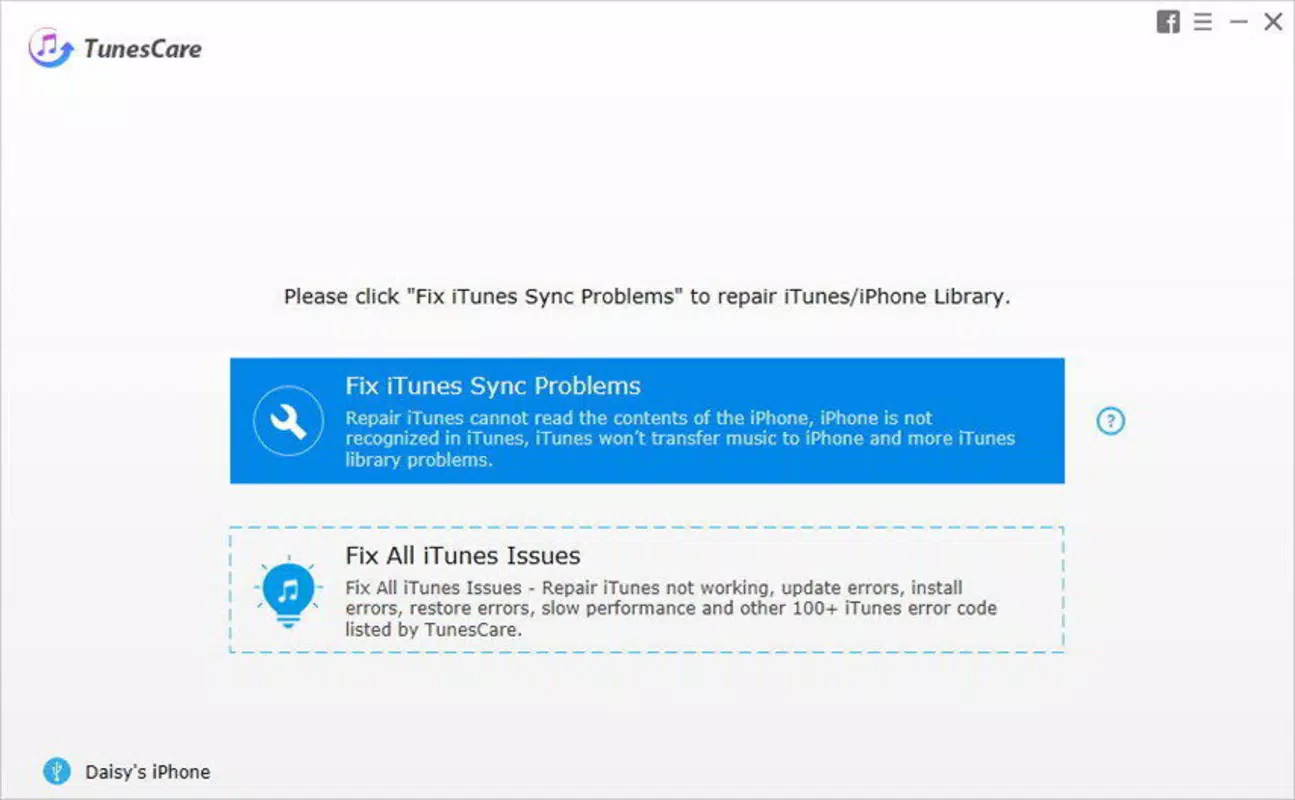
- User-Friendly Interface: The application features an intuitive layout with clear navigation and step-by-step guidance. Even users with limited technical knowledge can follow the prompts to initiate scans and apply fixes without confusion.
- Quick Solutions: TunesCare delivers immediate resolutions to common sync issues, such as "device not recognized" or "sync failed" errors. By streamlining the troubleshooting process, it helps users resume media management quickly.
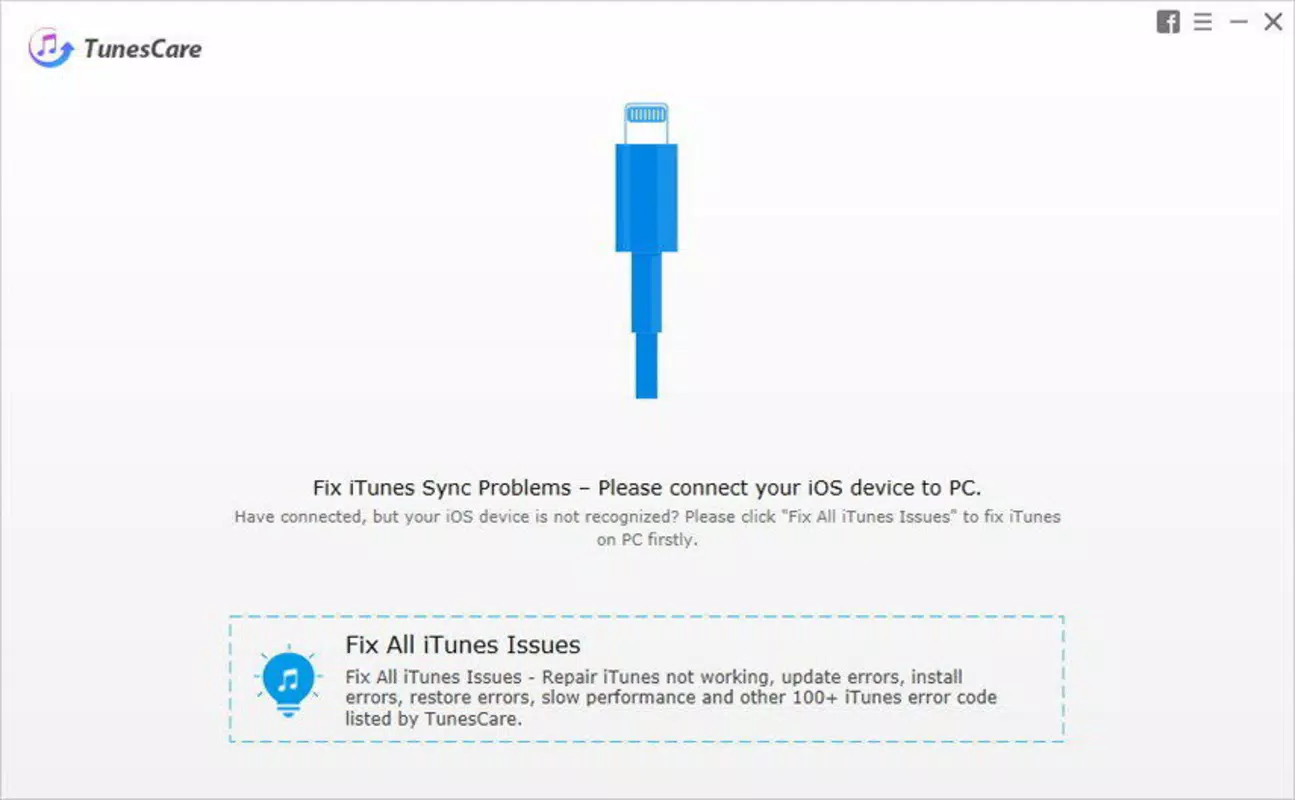
- PC Device Connection: The tool requires a physical connection between the Apple device and the Windows PC via USB. This connection enables the software to access device data and initiate diagnostic routines, forming the foundation for its functionality.
For example, a user who encounters a "Sync Error 1604" after updating their operating system can use TunesCare to scan the iTunes configuration, detect the underlying registry conflict, and apply the fix automatically—without requiring advanced technical knowledge. This real-world scenario highlights how the software translates technical problems into actionable solutions.
Interface, UX & Performance
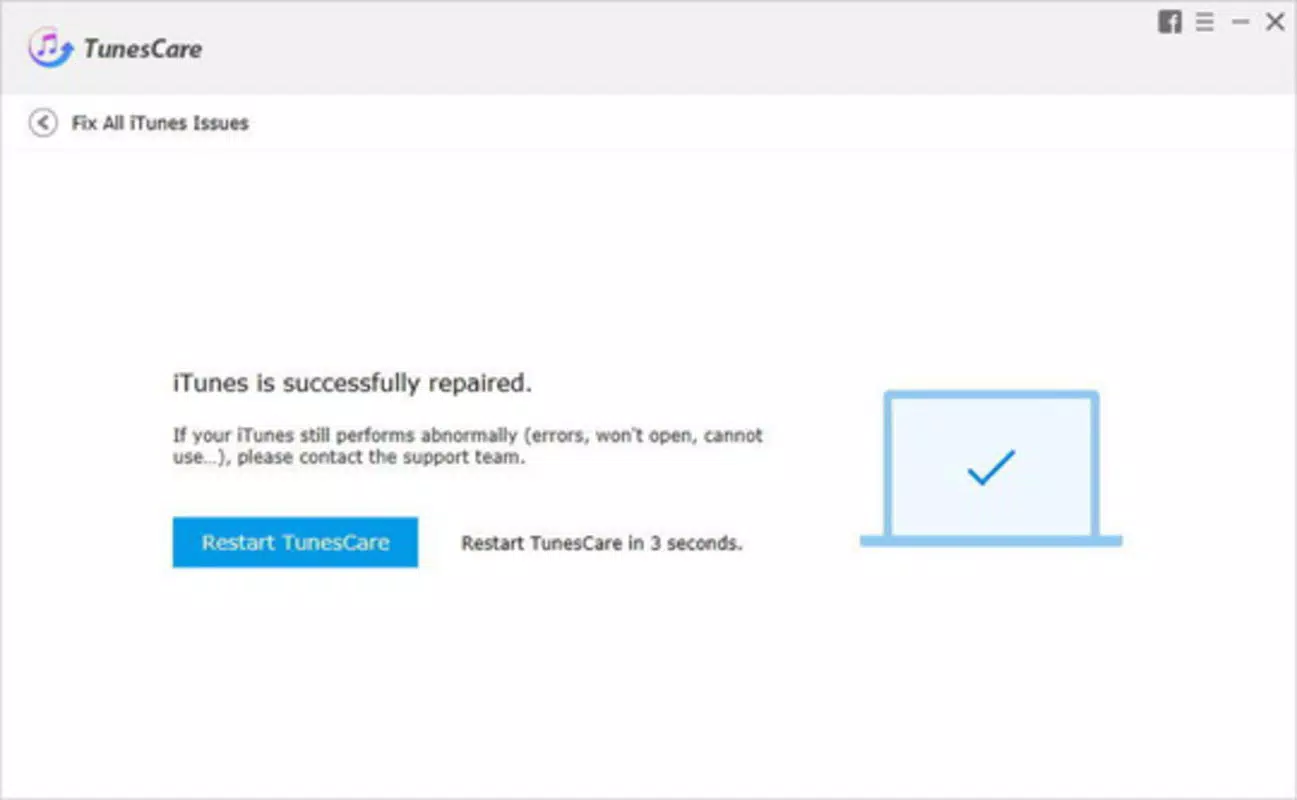
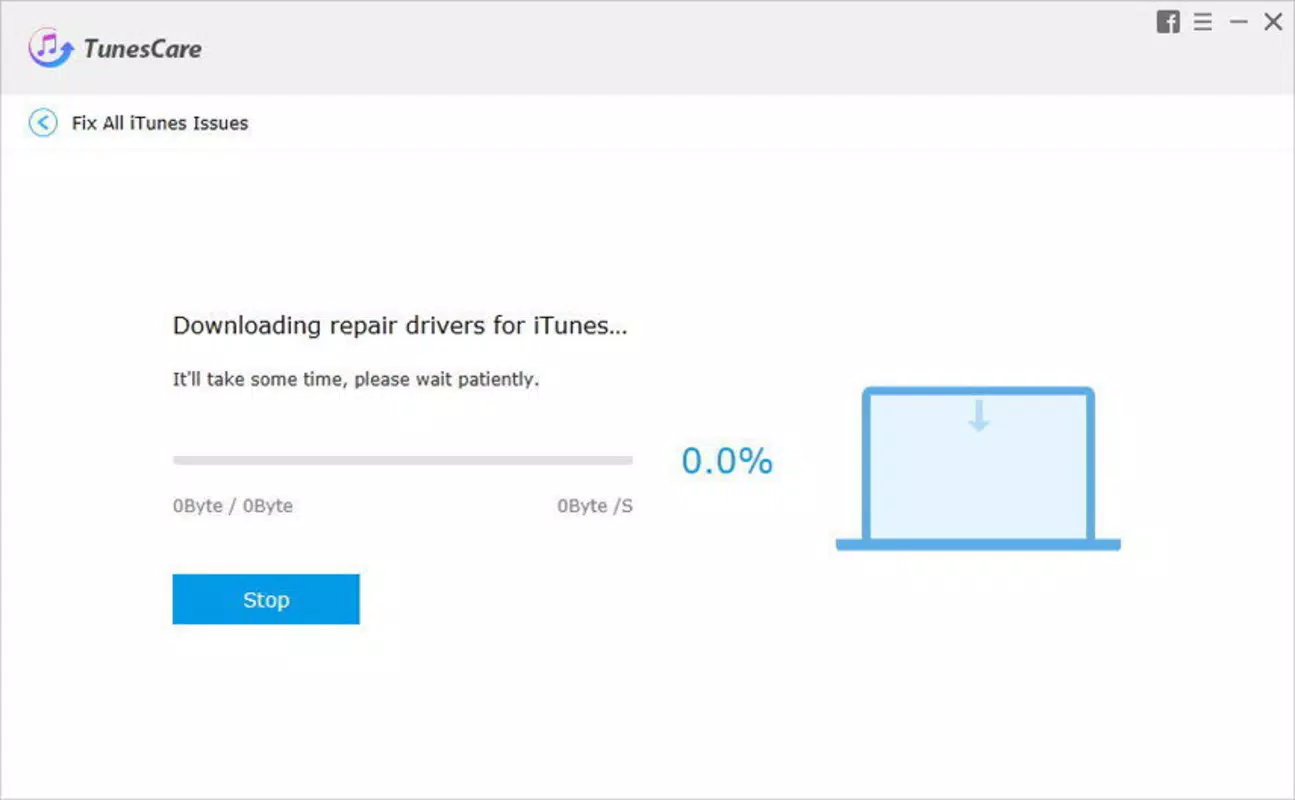
The user interface of TunesCare is designed with clarity and accessibility in mind. It employs a clean layout with minimal visual clutter, using consistent color schemes and well-labeled buttons to guide users through each stage of the diagnostic process. Navigation is linear and logical, with progress indicators that help users understand the status of ongoing scans and repairs.
Interaction is straightforward: users connect their Apple device, launch the application, and initiate a scan with a single click. The software provides real-time feedback during operations, including estimated completion times and detailed logs of detected issues. This transparency enhances user trust and reduces anxiety during troubleshooting.
Although the developer did not list formal performance metrics, the application’s lightweight footprint of 45.3 MB suggests efficient resource usage. It is expected to run smoothly on standard Windows systems, though specific requirements were not disclosed. Responsiveness appears to be optimized for typical user workflows, with minimal lag during scans and repairs. Stability is implied by the app’s focus on automated, non-invasive fixes, reducing the risk of system instability.
Platform Compatibility & Technical Requirements
TunesCare is available exclusively for the Windows platform. It is compatible with Windows operating systems, though specific version details were not provided by the developer. The application has a file size of 45.3 MB, indicating a lightweight installation that does not require significant disk space.
The developer did not specify minimum OS requirements, nor did they list supported hardware configurations. Compatibility information was not fully disclosed, so users are advised to ensure their system meets general Windows standards for running third-party utilities. The app requires a physical USB connection to an Apple device to function, which is a standard requirement for iTunes-related tools.
Pros and Cons
- Specialized focus on iTunes synchronization issues
- Automated repair process reduces manual effort
- Intuitive interface suitable for non-technical users
- Quick resolution of common sync errors
- Lightweight installation size
- Available only for Windows (no macOS or mobile support)
- Price point of $29.99 may be high for casual users
- No public information on update frequency or long-term support
- Requires physical device connection for operation
- Developer did not provide detailed technical specifications
FAQ
Is TunesCare safe to install on my Windows PC?
Yes, TunesCare is designed to operate within standard Windows security protocols. It does not modify critical system files without user consent and relies on established diagnostic methods to resolve sync issues.
Can I use TunesCare with any Apple device?
Yes, TunesCare is compatible with Apple devices that support iTunes synchronization, including iPhones, iPads, and iPods. However, compatibility may depend on the device’s model and iOS version.
Do I need to pay for updates?
The developer did not disclose update policies. While some utilities include free updates, others may require additional fees. Users should refer to the official website for current information.
Is TunesCare available for macOS or mobile devices?
Currently, TunesCare is only available for Windows. There is no official version for macOS or iOS devices.
How often should I run TunesCare?
It is recommended to use TunesCare only when encountering sync errors. Regular use is not required unless persistent issues arise.
Final Thoughts
TunesCare stands out as a focused, efficient tool for users struggling with iTunes synchronization on Windows. Its ability to detect and resolve common errors automatically makes it a valuable asset for anyone who depends on seamless media management between Apple devices and their PCs. While the price may be a consideration for occasional users, the time saved and frustration reduced justify the investment for regular users.
The app’s clean interface, straightforward workflow, and targeted functionality deliver a high value proposition. It is particularly well-suited for non-technical users who lack the expertise to navigate complex troubleshooting steps. For those facing recurring sync failures, TunesCare offers a reliable, one-click solution that restores functionality quickly.
Download TunesCare now


